.png)
















AI Communication Management
Conversations, All in One.
Unified Conversations | Calls, Texts & Emails | Job-Linked Threads | Shared Customer History | Automated Status Updates | Arrival Notifications | Fewer Status Calls | Full Context on Every Call
Unified Conversations | Calls, Texts & Emails | Job-Linked Threads | Shared Customer History | Automated Status Updates | Arrival Notifications | Fewer Status Calls | Full Context on Every Call
A customer who called yesterday and texts today should not have to explain themselves twice. PropelOne Voice AI reads the same thread a person would, so it can answer, escalate, or just take a message with the full history already behind it.
Call, text, or email, Voice AI responds with the job, the property, and everything already said sitting right there.
A customer asking whether the technician is still coming gets checked against the live schedule and answered without anyone getting paged.
A summary lands in the thread automatically, so nobody spends the drive back typing up what was said.
Pricing disputes, complaints, and anything that needs a judgment call get routed to a person instead of guessed at.
Whoever opens the thread next sees the call, the text, and the summary, in order.
From the first call through the last message about a finished job.

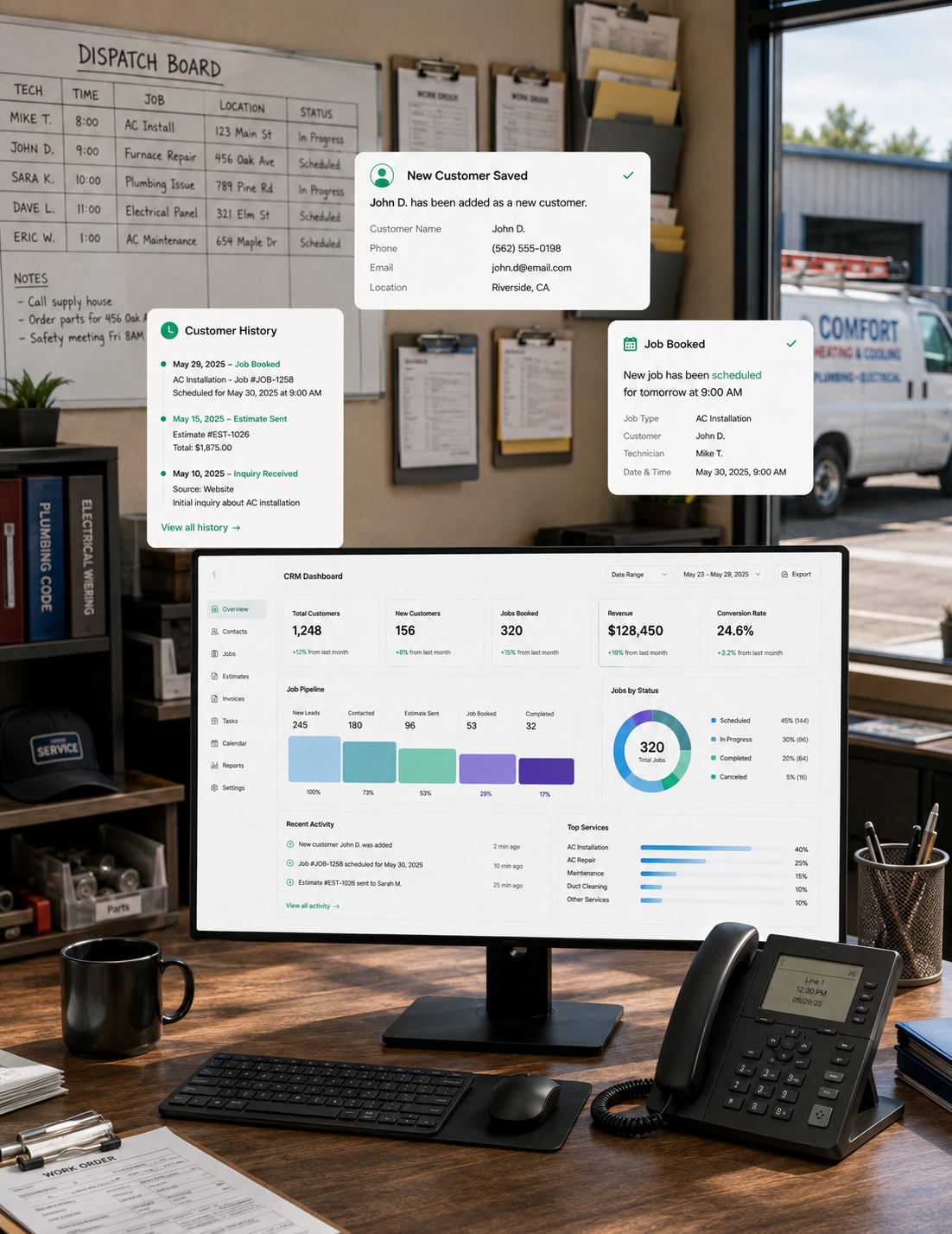
Calls, texts, emails, and internal notes about a customer land on one thread instead of scattered across a phone, an inbox, and somebody’s memory. Assign it, reassign it, or loop in whoever needs to see it.
Customers would rather send a photo of a leak than describe it over the phone. PropelOne sends and receives texts from a number tied to your business, so replies land in the same thread a call would.
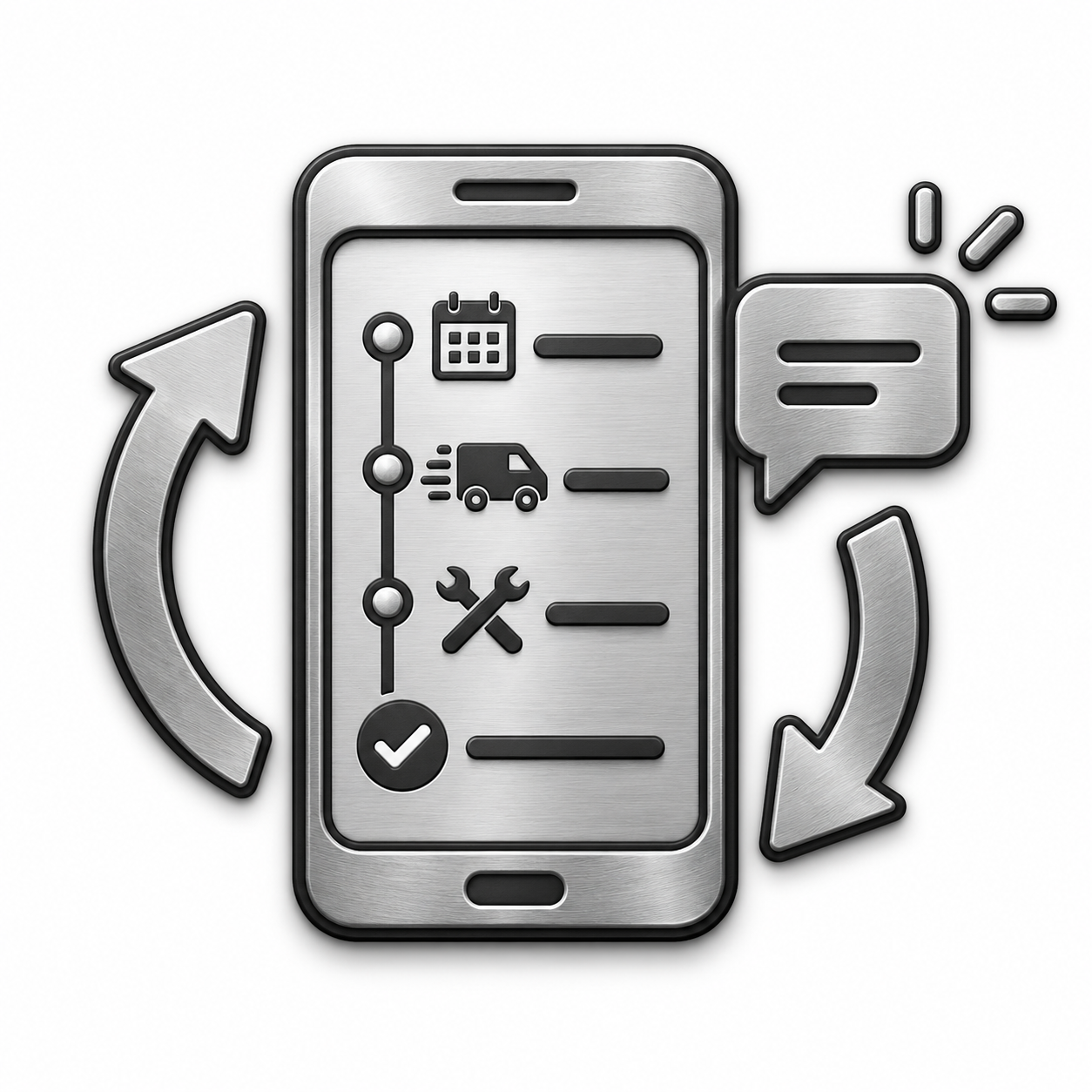
Most calls that interrupt a busy office are some version of "is my technician still coming." PropelOne sends the update on its own: the moment the job is booked, the moment the technician is on the way, and the moment the work is done.

The wording for a booking confirmation should not depend on who typed it that day. Build the template once, set the rule that triggers it, and every customer gets the same professional message without anyone thinking about it.

Inbound and outbound calls attach to the customer automatically, so a call taken from a truck shows up the same as one taken from the office. Nothing depends on somebody logging it later.

A text you sent and a text the customer read are two different things. PropelOne tracks delivery and open status on every message, so a dispute over whether someone was told does not come down to memory.
Seven steps, and none of them require anyone to remember what was already said.
By call, text, or the booking page, and the conversation opens a thread.
Either way, whoever answers can see anything already on file for that customer.
A booking confirmation goes out the moment it lands on the calendar.
An on the way text goes out with the technician’s name and photo.
They land in the same thread, whoever the customer happens to reach.
A completion update goes out, followed by the invoice.
Every call, text, and update from the whole job sits in one place if a question comes up later.
Nobody has to reconstruct what happened. It is already there.
Yes. Every channel threads to the same customer and job record, so the full history is there no matter who answers.
Yes. Texting runs through a number tied to your business, and replies land in the same thread as a call would.
Booking confirmation, on the way, arrival, and completion, each with timing and wording you control.
Yes. Notification preferences are set per customer, so someone who opts out of texts still gets email, or nothing at all.
Recording is optional. When it is on, the recording attaches to the customer record alongside the call log.
Scheduling’s reminders confirm an upcoming appointment before it happens. This covers the full conversation and every status update during and after the visit.