.png)















General Contractor
Projects, Fully Connected
Change Orders | Signed Scope | Project Records | Subcontractor Tracking | Daily Logs | Milestone Billing | Change History | Complete Paper Trail
Change Orders | Signed Scope | Project Records | Subcontractor Tracking | Daily Logs | Milestone Billing | Change History | Complete Paper Trail
Seven steps, from the signed contract to the final walkthrough.
Client, property, and the full scope tied together on day one, which is the document every argument for the next four months refers back to.
Framing, electrical, plumbing, finish. Your subs scheduled on the same board as your own crew, so a conflict surfaces in week one rather than on the morning it matters.
Narrated on the walk-through, photos attached, progress noted against the phase. Nobody reconstructs the week from memory on Friday afternoon.
Priced against the original line, approved digitally by the client, timestamped. It stops being a favour you did and starts being work you invoiced.
Progress invoice goes out against the milestone, with the change order folded in, instead of everything waiting on one payment in August.
Answered from the same record the site is working off, without pulling your PM off a job to look it up.
Final walkthrough, final invoice, and a complete record that stays put for the warranty call and the next job she hires you for.
Four pieces, working off the same property record.
Margin on a remodel is made or lost in the changes, and a change that lives in a text message is one you will eat. Tie every one to the signed scope, price it the way the original estimate was built, and capture the signature while she is still standing in the room agreeing to it.
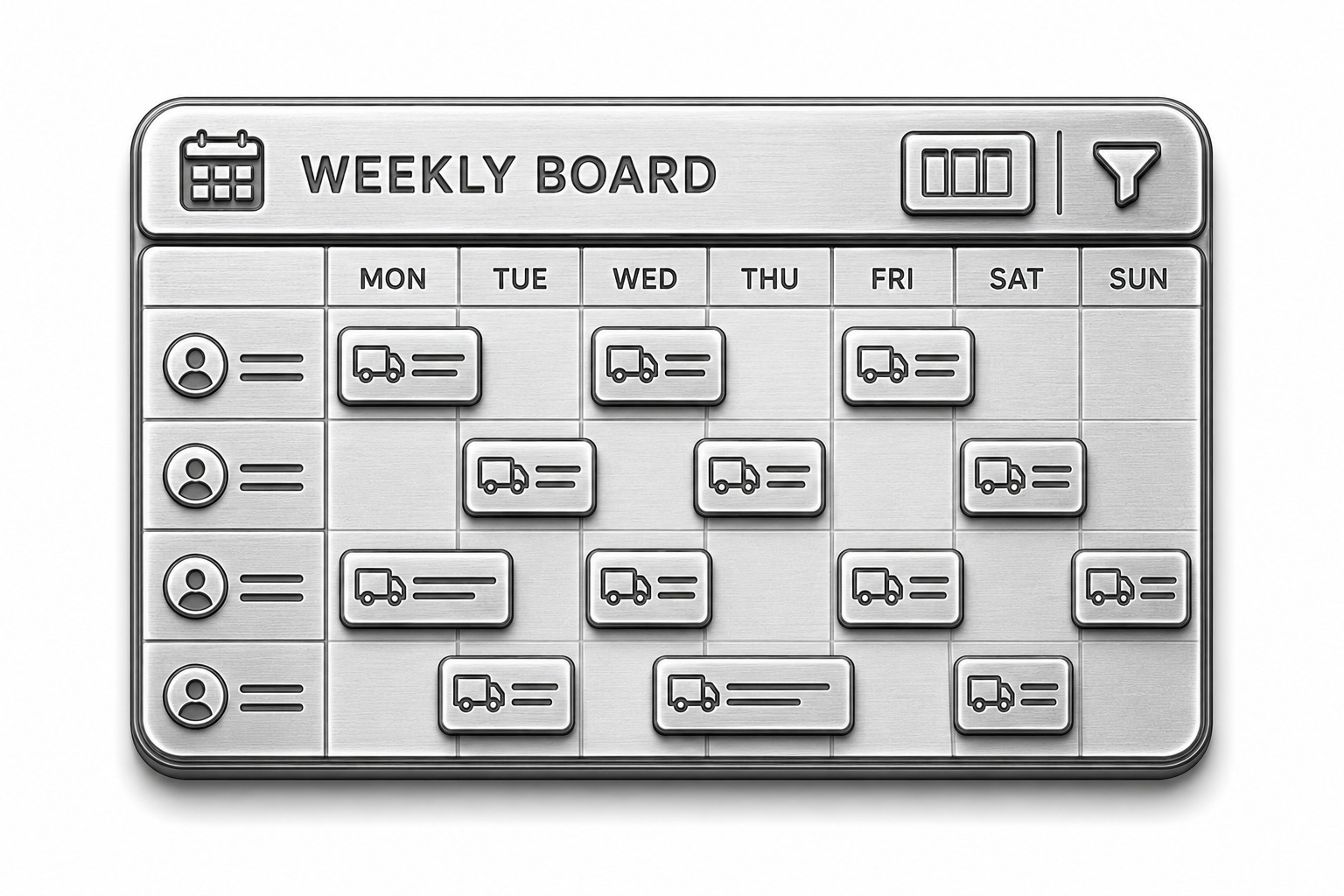
Subs get scheduled by phase alongside your own people, with confirmations tracked and dependencies visible, so finish work is never booked ahead of framing and a no-show shows up the day before rather than at seven in the morning.

Daily logs and site photos attached to the phase they belong to. The documentation feels like overhead right up until the week you need it, and then it is the only thing that matters.
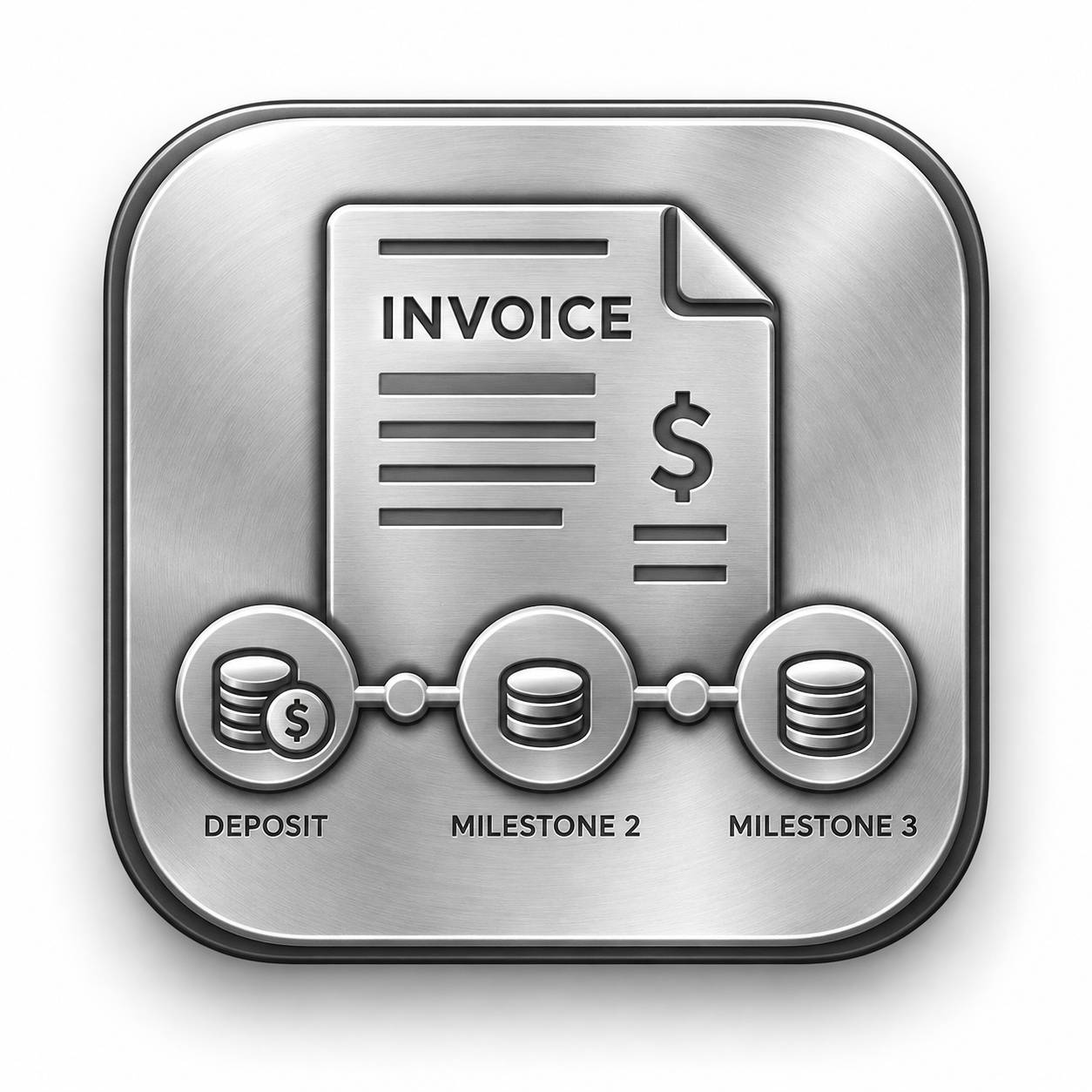
Deposits at signing and invoices at defined milestones, tied to actual completion. Waiting for closeout to bill is how a contractor ends up carrying a client through a whole summer.
Voice AI is built around how a job site actually talks, not treated as one generic service request.

Yes. Every change order references the signed scope and is priced the same way the initial estimate was built.
Yes. Invoicing can be tied to defined milestones or phase completion instead of one final invoice.
Yes, on the same board as direct crew, with phase dependencies visible.
Yes. Logs can be generated from field narration and photos attach to the relevant phase.
Yes. Voice AI answers from the same project record your team is working off.
Yes. The same project structure scales from a kitchen remodel to a multi-phase build.