















AI PAyments

Make Every Payment Easier to Collect

Tap to Pay | Card Reader | Payment Links | Saved Payment Methods | Deposits | Progress Payments | Fast Payouts | Financing

How Voice AI works with payments

Request Payment During the Conversation

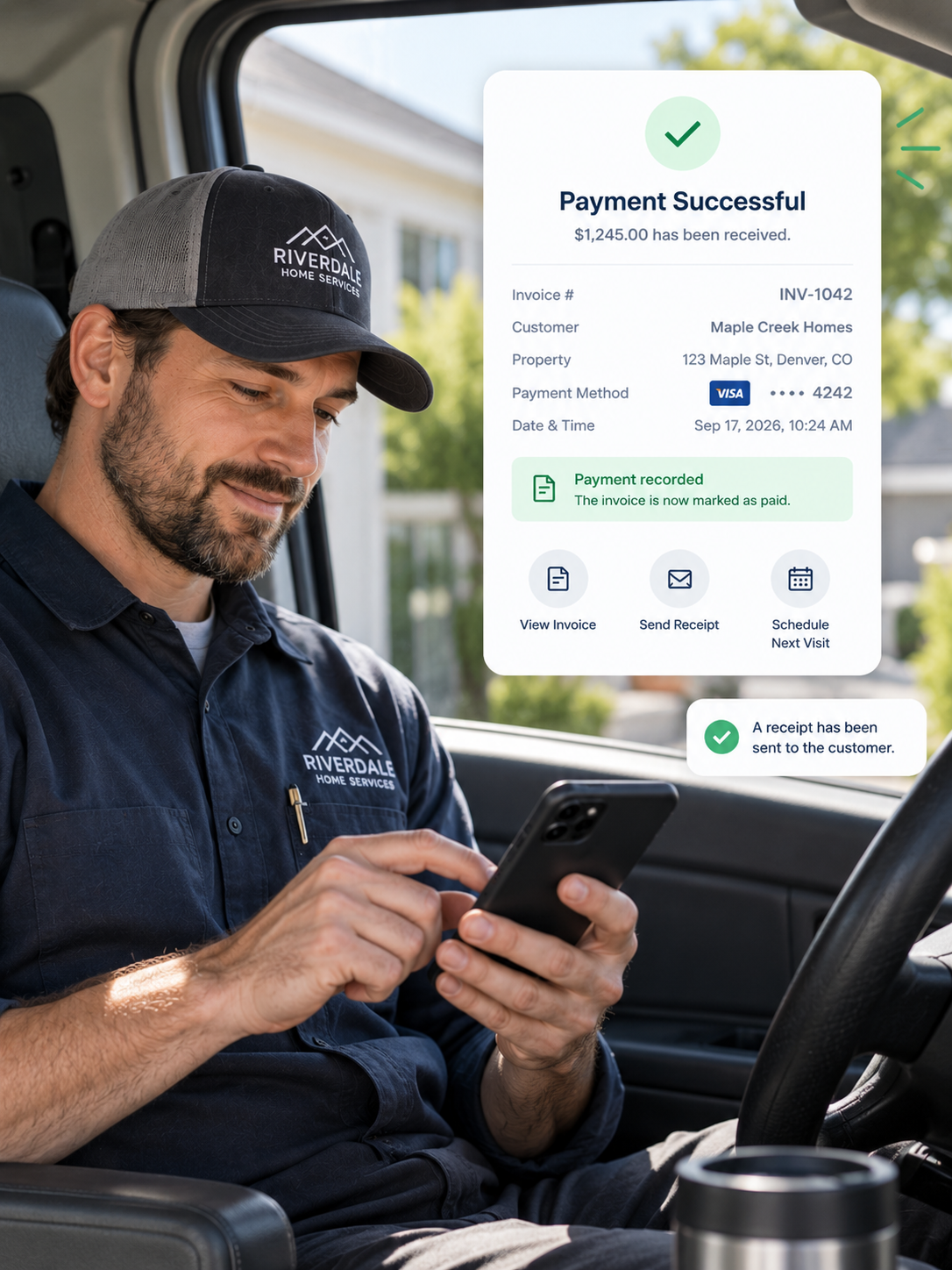
PropelOne sends a secure payment link, records the result, and updates the customer record automatically.

Send a Secure Link

Let the customer pay securely without sharing card details aloud.

Request Deposits

Request the deposit as soon as the job is booked.

Confirm Payment

Send the receipt and update the record automatically.

Flag Failed Payments

Alert the team when a payment needs attention.

Answer Billing Questions

Check payment status or resend a receipt by voice.
PropelOne Voice AI writing call details into the CRM customer record
Payment Features

Collect Every Payment in One Workflow

Handle deposits, field payments, recurring charges, financing, and payouts.
In-Field and Online Payment Collection
FIELD AND ONLINE PAYMENTS
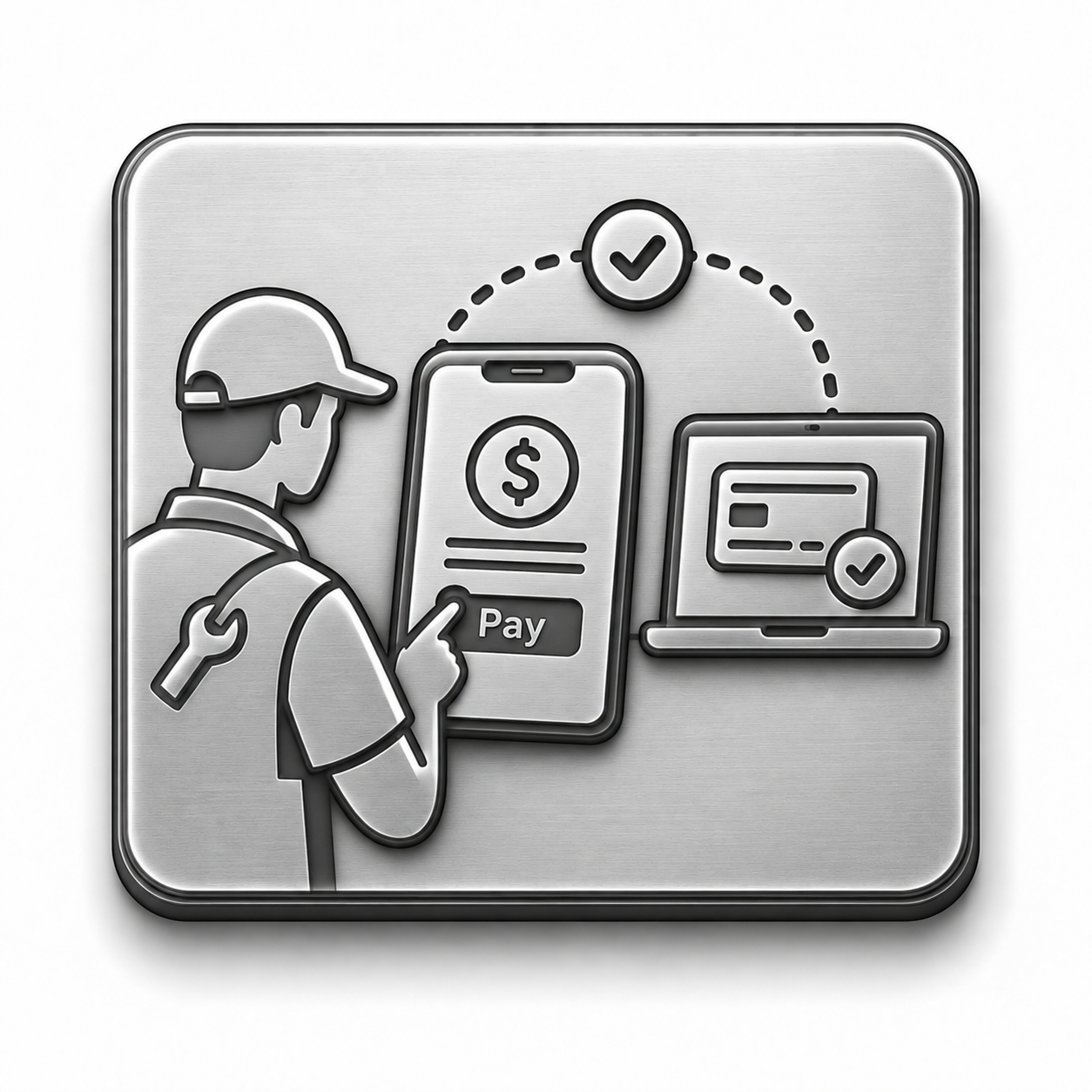
Collect Wherever the Customer Is

Take payment on site or send a secure link.
Key capabilities
  • Tap to pay and card readers
  • Digital wallets and cards
  • Bank transfers
  • Payment links
  • Automatic invoice updates
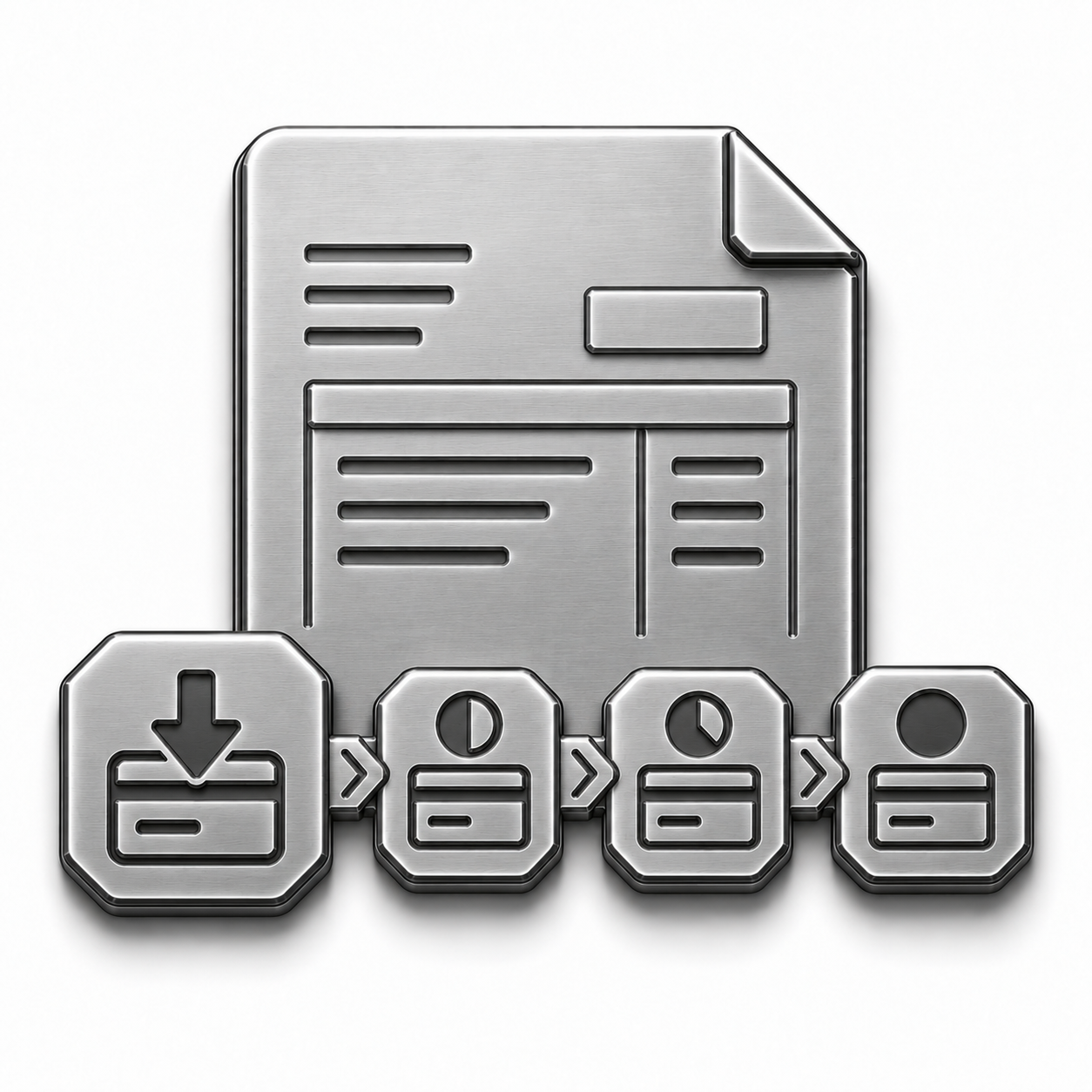
Deposits and Progress Payments
Collect as the Work Moves Forward

Get paid at booking, approval, or each project milestone.
Key capabilities
  • Booking and approval deposits
  • Milestone payments
  • Flexible timing and amounts
  • Automatic final invoice credit
Saved Payment Methods and Autopay
SAVED METHODS AND AUTOPAY
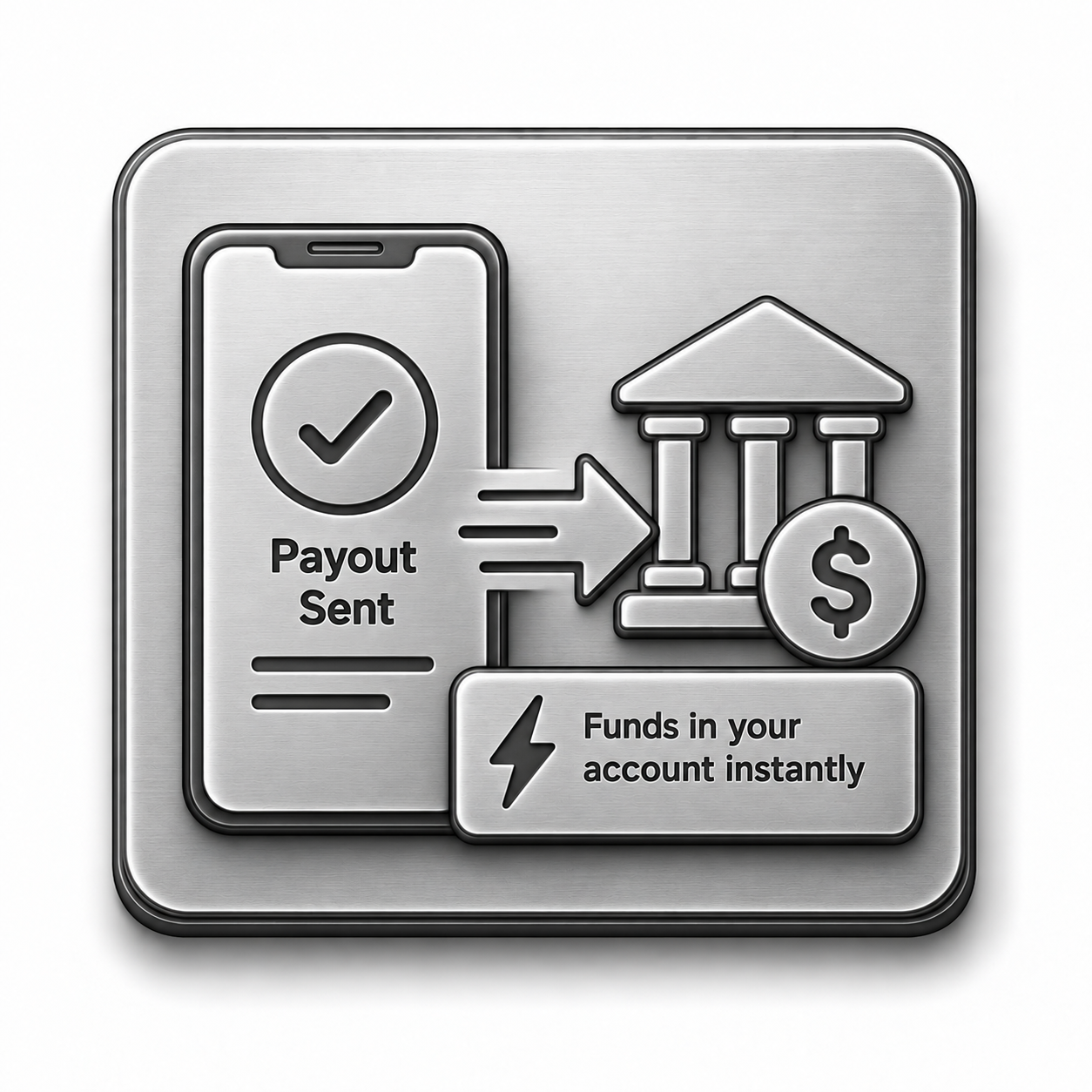
Make Recurring Payments Automatic

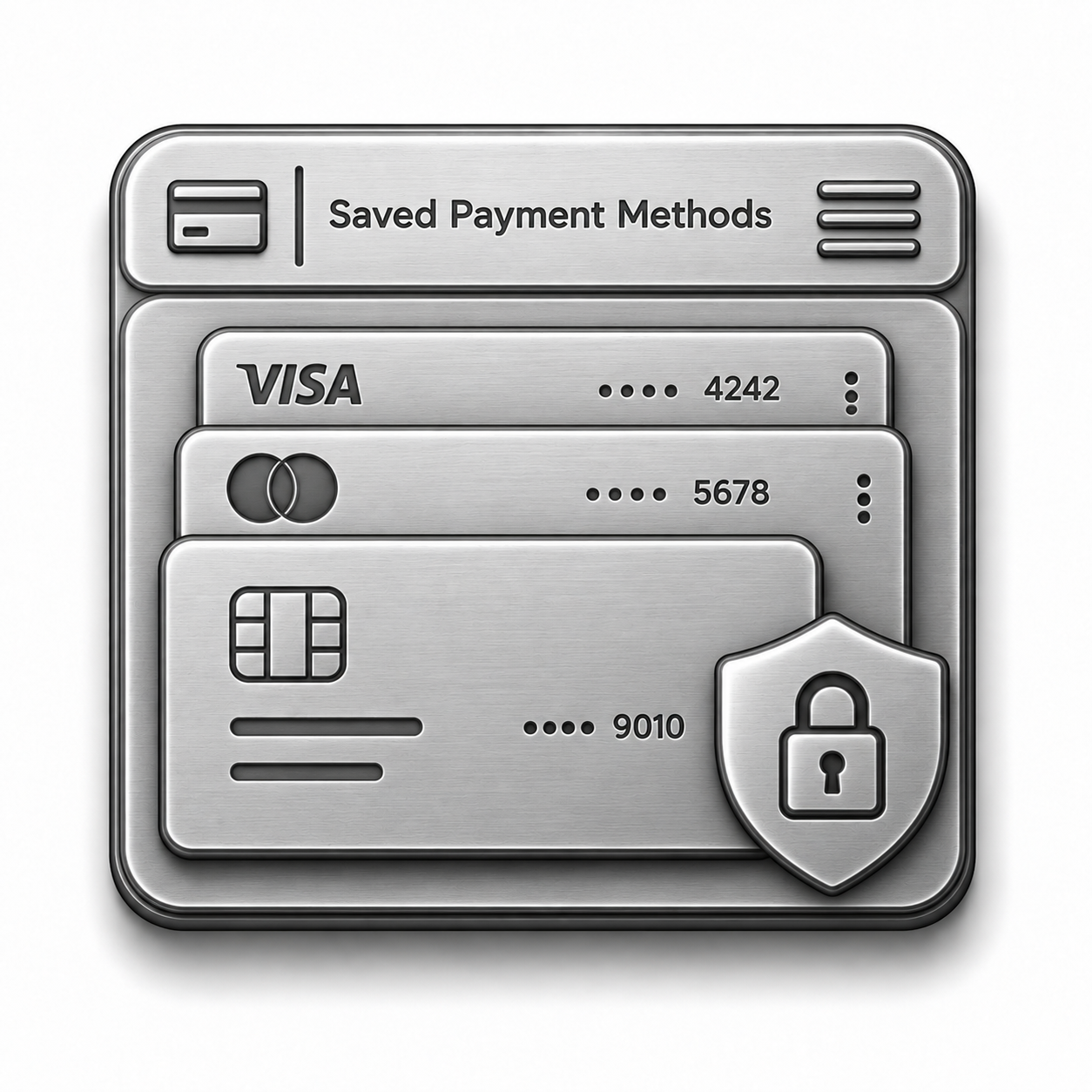
Securely save payment methods with customer permission.
Key capabilities
  • Saved cards and bank accounts
  • Recurring automatic charges
  • Customer payment updates
  • Scheduled retries for failed charges
Instant Payouts
FAST PAYOUTS
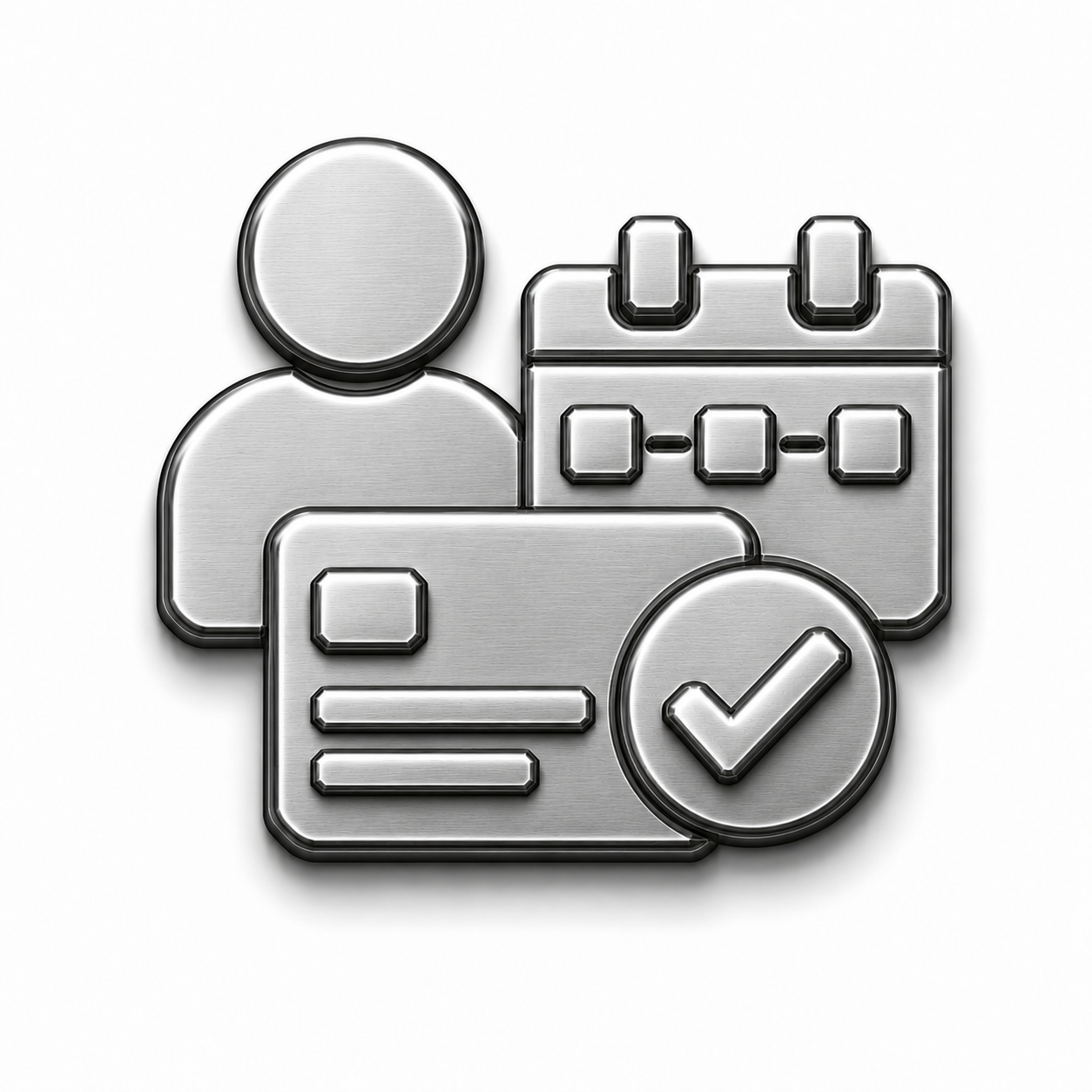
Move Collected Money Into Your Bank

Choose faster access or standard payout timing.
Key capabilities
  • Fast payout after clearing
  • Weekend and holiday availability
  • Live payout tracking
  • Standard payout option
Customer Financing
Customer Financing
Make Larger Jobs Easier to Approve

Show financing beside the full price while the lender handles the credit risk.
Key capabilities
  • Financing on estimates and invoices
  • Quick online application
  • Monthly payment choices
  • Full payment to your business after completion
Payment Security and Processing
Protect Every Transaction

Process payments securely through one system.

Key capabilities
  • PCI compliant processing
  • Encrypted payment data
  • Fraud and chargeback support
  • Clear processing rates
FROM JOB TO BANK

Seven Connected Steps

Here is what happens between finished work and money that is actually yours.

1
Trigger the payment request.

A completed job, an approved estimate, or an invoice going out, whichever comes first.

2
Offer the right payment method.

A link, tap to pay, or a saved card charge, whichever fits the moment.

3
Collect payment.

From their phone, from the driveway, or by simply approving the charge on file.

4
Update the invoice.

The invoice marks itself paid, and nobody has to go check.

5
Process the funds.

Usually within moments of the payment clearing.

6
Send the payout.

Instantly if you need it now, or on the standard schedule if you do not.

7
Keep the record with the job.

Every payment sits on the customer and the job, for whenever the question comes up later.

The work is finished and the money is not still floating somewhere between a processor and a promise.

Questions We Hear a Lot

You Ask. We Answer.

1. How is this different from the payment option on the Invoicing page?

Invoicing creates and tracks the bill. Payments handles collection, deposits, saved methods, payouts, and financing.

2. Can customers pay from their phone without downloading an app?

Yes. Payment links open in the customer’s browser.

3. How fast do I actually get paid out?

Choose a faster payout after funds clear or the standard payout schedule.

4. Can I offer financing without taking on the credit risk myself?

No. The lender handles the financing risk.

5. Is card data stored securely?

Yes. Processing is PCI compliant and payment data is encrypted.

6. Can I collect a deposit before the job even starts?

Yes. Collect it at booking or when the estimate is approved.

MAKE PAYMENT THE EASY PART

Get Paid
Without Delay

Collect deposits, job payments, and recurring charges in one place.