.png)
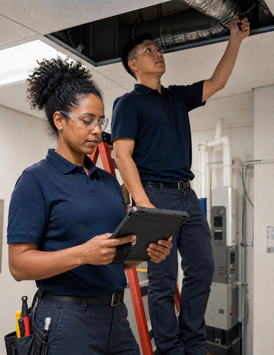

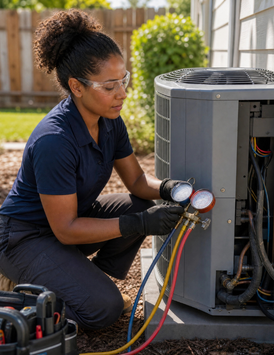

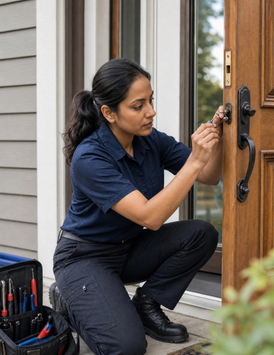


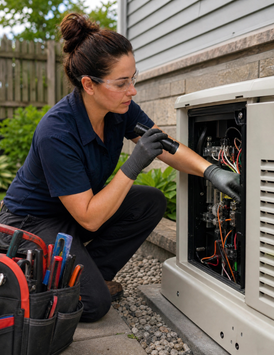


PropelOne Mobile
Everything, On the Go
Mobile Scheduling | Customer History | Job Notes | Mobile Pricebook | On-Site Invoicing | Mobile Payments | Offline Access | Auto Sync When Reconnected
Mobile Scheduling | Customer History | Job Notes | Mobile Pricebook | On-Site Invoicing | Mobile Payments | Offline Access | Auto Sync When Reconnected
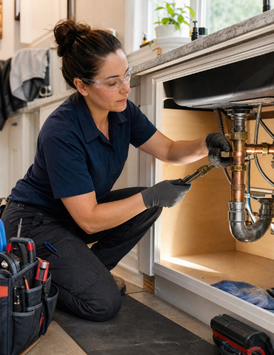
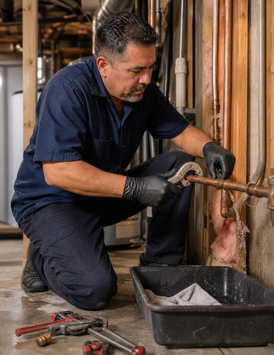
A technician's hands are rarely free. They are under a sink, holding a part, or driving to the next stop. PropelOne Voice AI works from the mobile app the same way it works on a phone call, so none of that has to stop for a note to get typed.
Ask what was done on the last visit or what part a job calls for, without touching the screen.
Notes, completed tasks, and time can be dictated instead of typed one-handed.
A technician can ask what the customer already approved and get a spoken answer before walking in.
Update a job status or ask for the next stop’s details without pulling over.
Whatever gets said lands in the same job and customer file as if it had been typed.
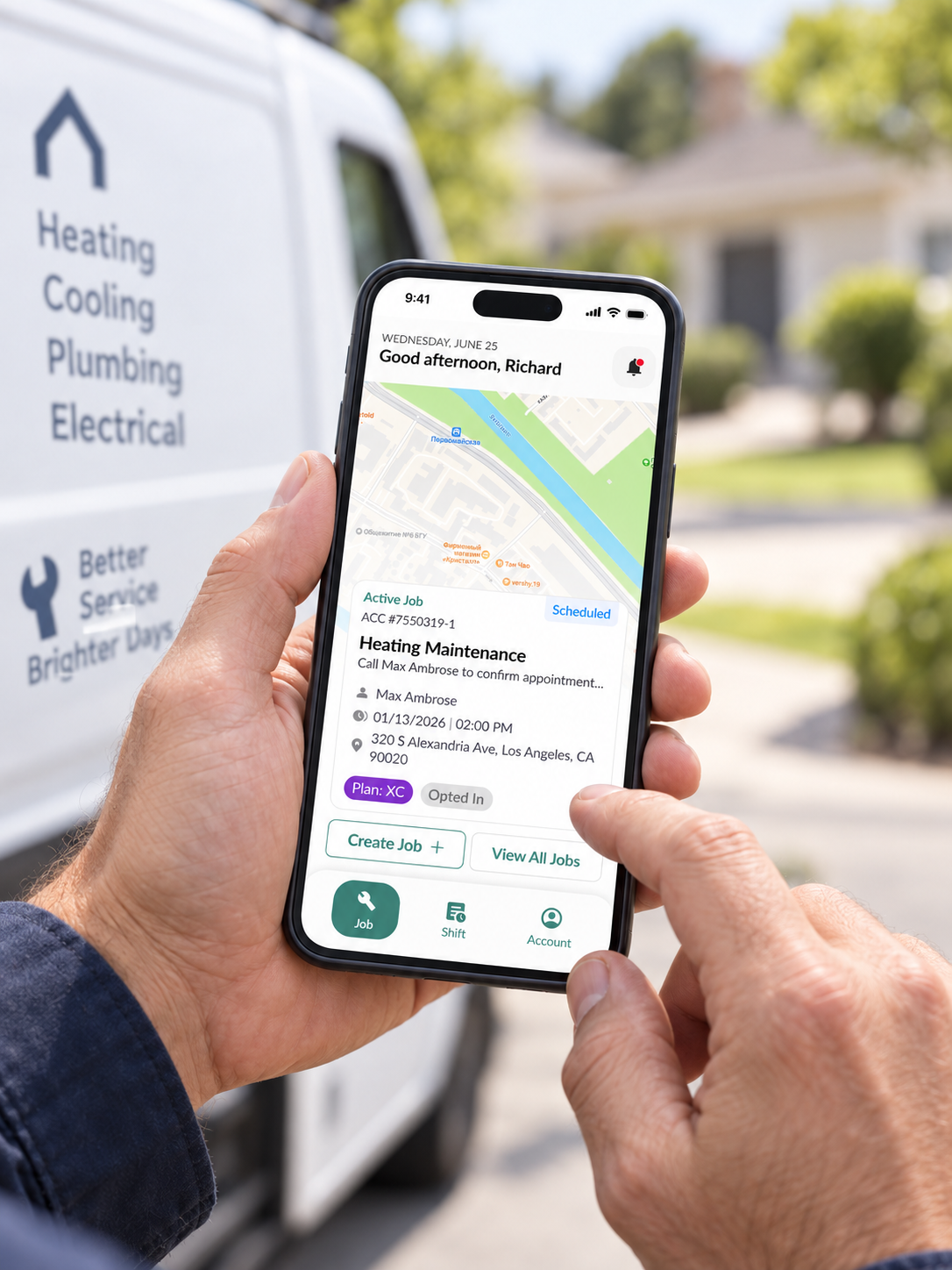
From the first look at the schedule to the payment collected on the way out the door.
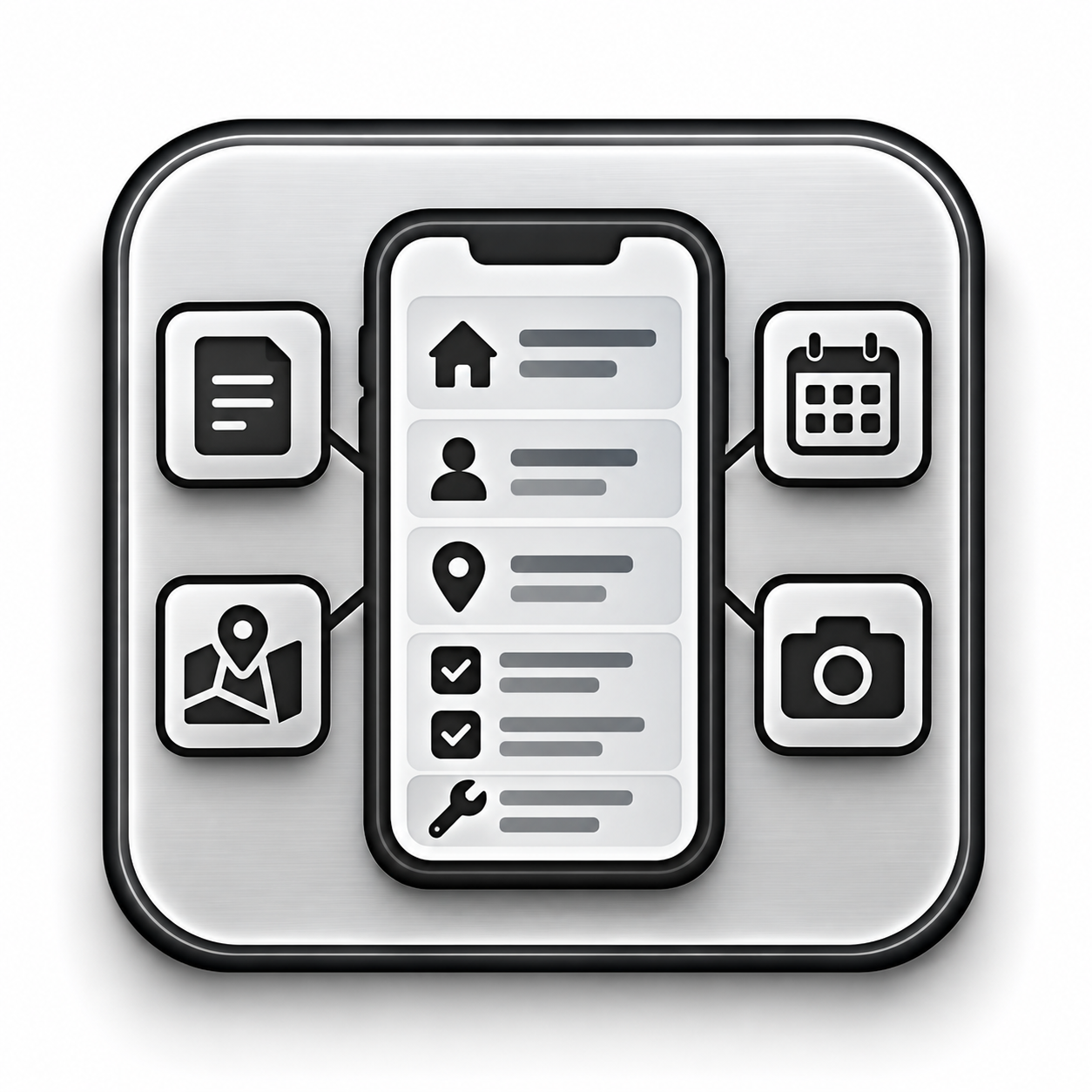
Customer history, equipment on file, notes from the last visit, and anything attached to the job are all there before a technician knocks on the door, not something they have to call the office to piece together.
Before and after photos, a completed checklist, and a customer signature all get captured on the same device the job is already open on, attached to the record instead of a stack of paper somewhere.
Clock in and out per job, not per day, so the hours attached to a job are the hours that were actually spent on it, ready for payroll without a manual cleanup pass.
The next stop is one tap away from turn-by-turn directions, in the order the day actually makes sense to drive rather than the order the jobs happened to get booked.
A basement, a rural service call, a dead zone between two buildings, none of it should stop a technician from opening a job or finishing a checklist. Whatever gets entered catches up the moment a connection comes back.
A new job, a moved appointment, or a cancelled visit reaches a technician the moment it happens, not when they happen to check the app between stops.
Seven steps, and the office is not on the other end of most of them.
Every stop, in order, before the first truck door opens.
One tap from the job card to turn-by-turn directions.
Customer details, equipment, and notes from the last visit, already there.
Photos, checklists, and notes, dictated or typed, whichever is faster.
Clocked in and out, location verified, ready for payroll.
Tap to pay or a card on file, no invoice waiting to be chased later.
Everything catches up the moment a connection is available, if it was not already there.
The office finds out what happened because the record already says so, not because someone calls to report it.
Yes. Job details, photos, and forms stay available offline, and everything syncs the moment a connection returns.
Yes, from the same job record they are already working in.
Yes, by tap to pay, card reader, or a saved card on file.
Yes. Clock in and out are tied to a specific job, with location verified.
Yes, for logging notes, checking job history, and getting updates without touching the screen.
Yes, instantly, with the notification linking straight to the affected job.