.png)
















Dispatch the Right Technician Every Time
Live Dispatch Board | Smart Assignment | Schedule Updates | Technician Alerts | Customer Arrival Windows | Skill and License Matching | Drive Time | Verified Availability
The Call Ends With the Job on the Board
PropelOne answers the call, captures the job, checks real availability, and places it on the same board your dispatcher uses.
Answer every call, including after hours and busy periods.
Recognize returning customers and capture new customer details.
Ask the right questions and prepare clear job notes for the technician.
Check skills, licenses, hours, service areas, and drive time before offering a window.
Book the job, notify the customer and technician, or send exceptions to the unassigned tray.
Give the dispatcher a clear summary of what was said, booked, or left open. Route emergencies to the on call team. Update the board by voice from the truck.
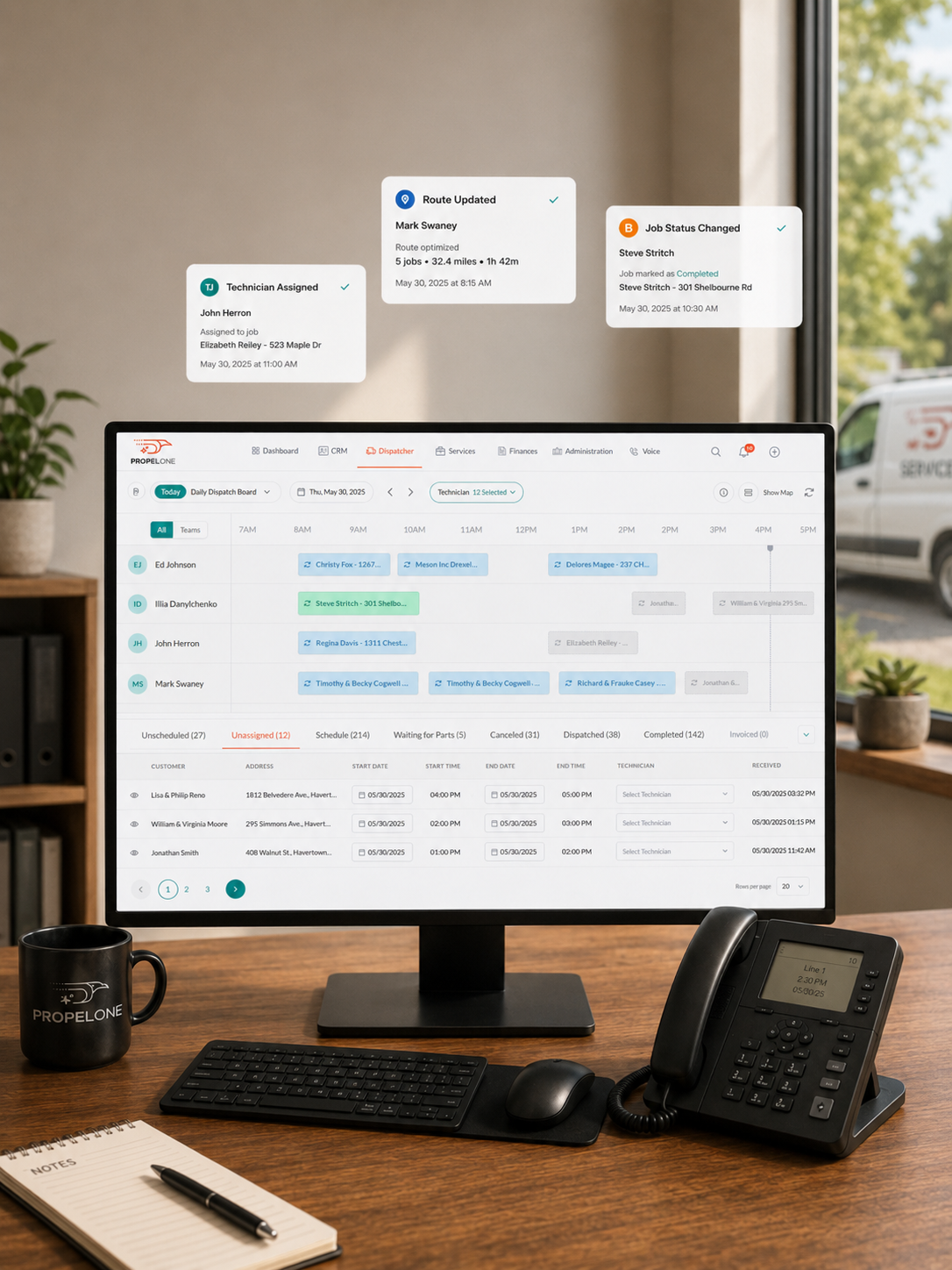
Run the Day From One Live Board
Manage every job from the unassigned tray to the technician’s arrival.
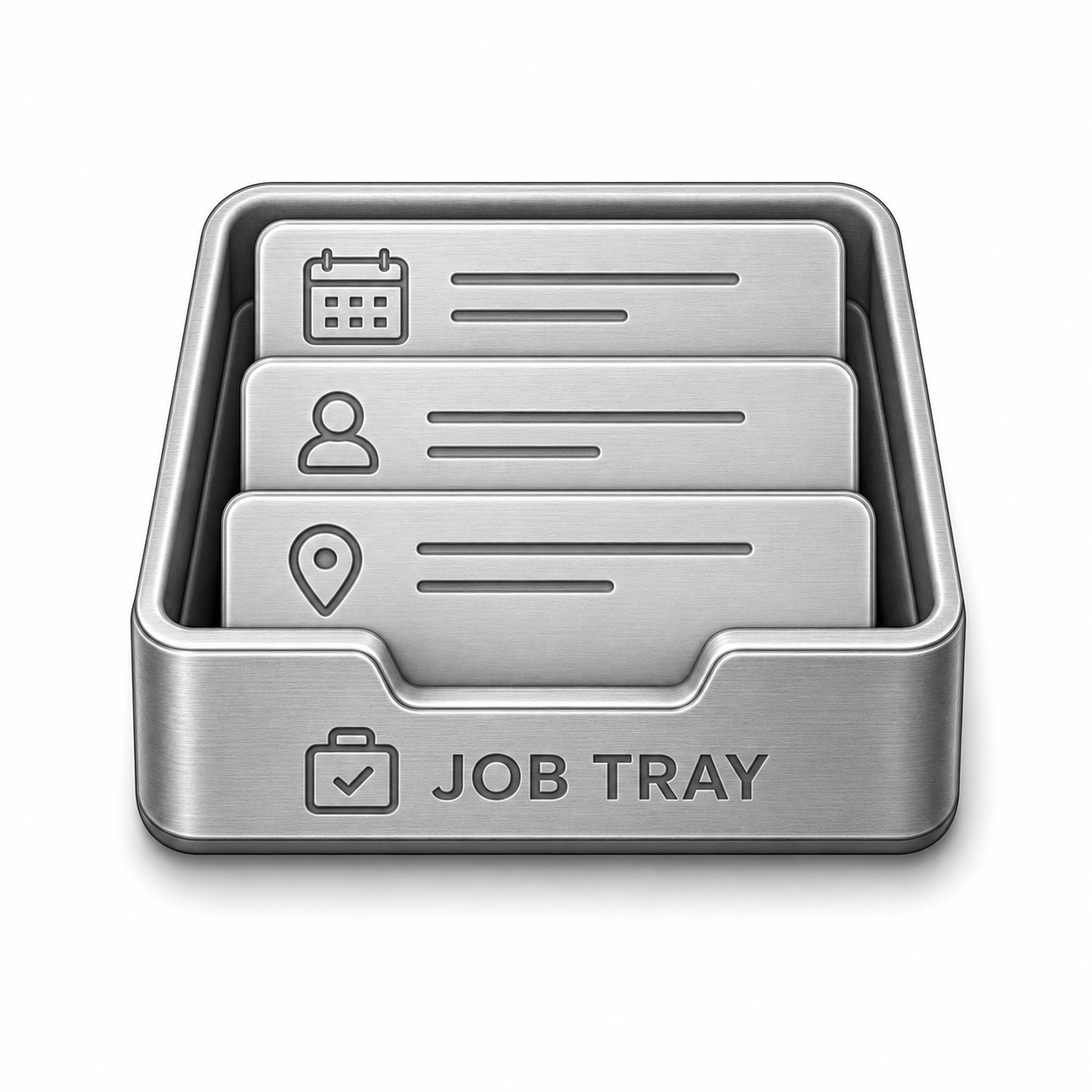
Keep new calls, callbacks, warranty work, and returned jobs in one visible tray.
- One tray for all unassigned jobs
- Sort by age, priority, or promised date
- See a live count of waiting jobs
- View job, property, and service history
- Return jobs automatically when a technician is unavailable

Move a job to assign, reschedule, or unassign it. PropelOne updates everyone automatically.
- Drag to assign, move, or unassign
- Get warnings for skill or availability conflicts
- Notify technicians and customers instantly
- Reassign multiple jobs at once

PropelOne checks more than an open space on the calendar.
- Working hours, on call schedules, and time off
- Skills, licenses, and equipment matching
- Service areas and drive time
- Daily capacity limits
- Reserved emergency slots
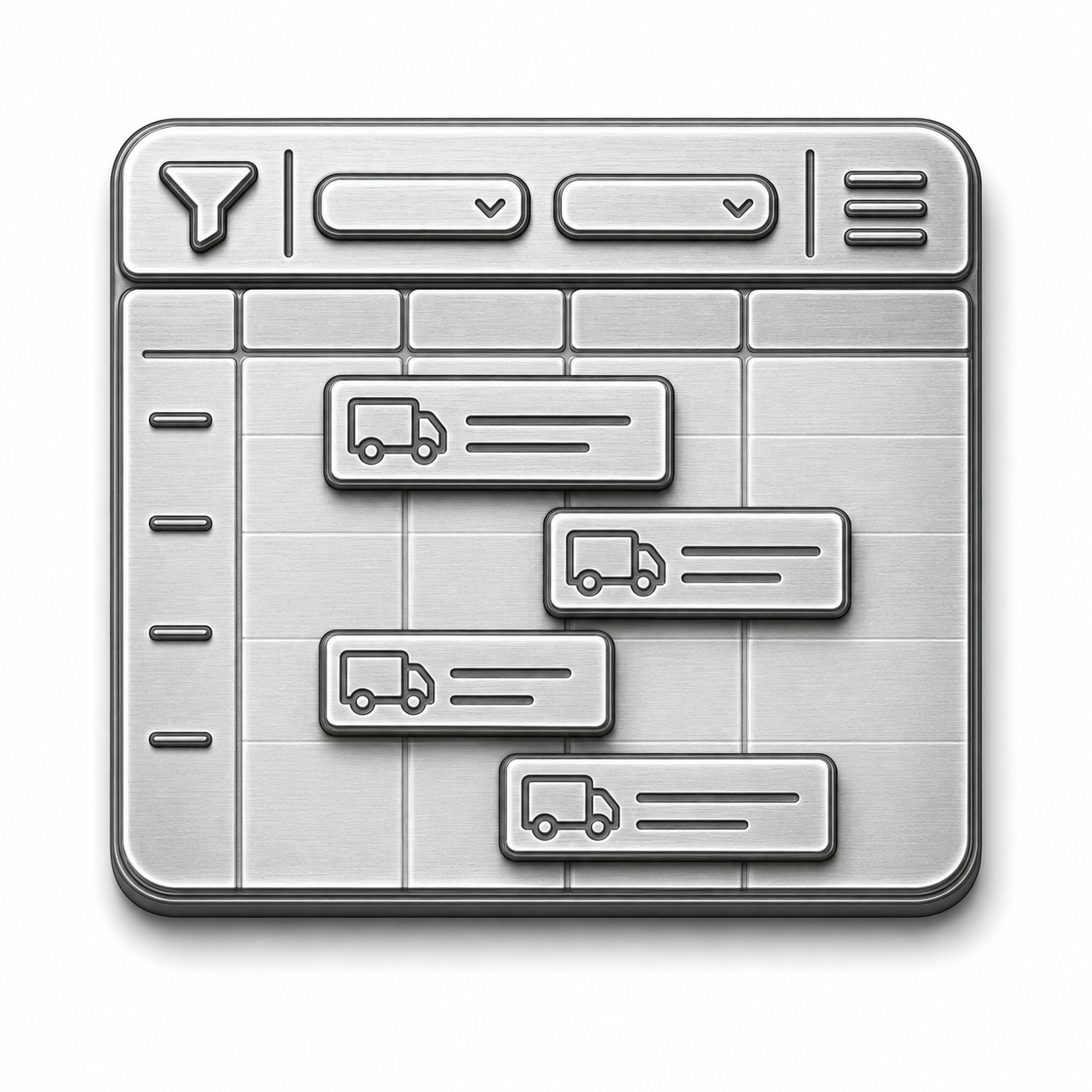
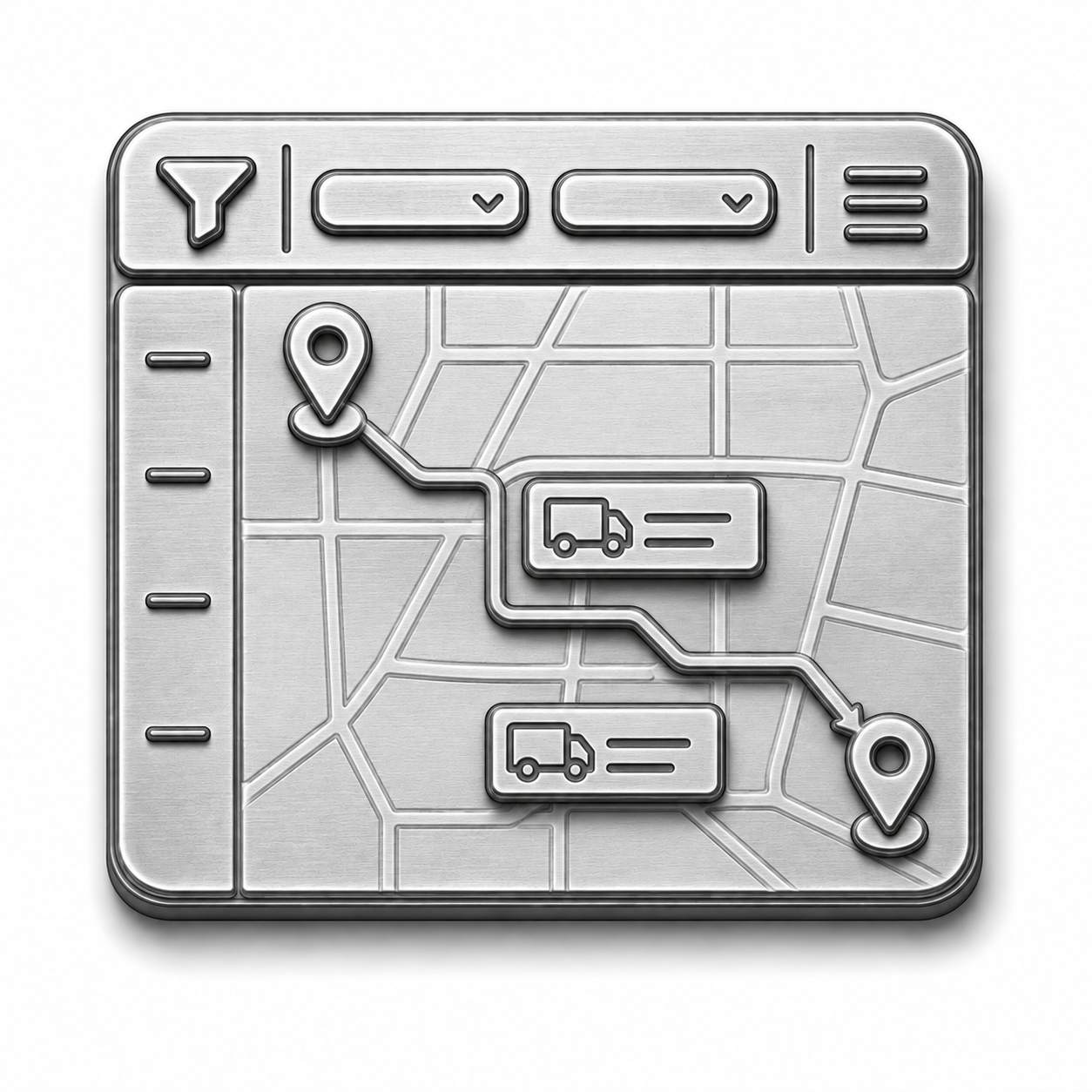
Change the view without changing the live schedule.
- Day, week, month, and map views
- Filter by crew, zone, trade, or job type
- Color code the board
- Manage several technicians and visits on one job
- Track live status from dispatch to payment
Create the agreement once and schedule every future visit.
- Flexible recurring schedules
- Agreements tied to customers and equipment
- Route planning by area
- Bulk schedule and pricing updates
- Renewal and visit reminders

Send booking confirmations, reminders, schedule changes, and arrival updates without another office call.
- Arrival windows and reminders
- On my way texts with live location
- Automatic reschedule notices
- Customer and equipment history for the technician
- Online booking with live availability
Answered Questions
1. How do I assign a job?
Drag the job onto an available technician. PropelOne warns you about skill or schedule conflicts.
2. What if nobody is available?
The job stays visible in the unassigned tray until someone places it.
3. Can I assign more than one technician to the same job?
Yes. Assign a crew or split the job across several visits and days.
4. How does rescheduling work?
Move the job to a new slot. PropelOne updates the technician, customer, and job history.
5. Does it handle recurring maintenance contracts?
Yes. Set the frequency, scope, and price. PropelOne schedules the future visits.
6. What happens to calls that come in after hours?
Voice AI answers and places the job on the board.