.png)











AI Invoicing & Billing
Job done, Invoice ready
Job Based Invoicing | Logged Labor | Pricebook Items | Photos and Forms | Automatic Invoices | Payment Follow Up
Job Based Invoicing | Logged Labor | Pricebook Items | Photos and Forms | Automatic Invoices | Payment Follow Up
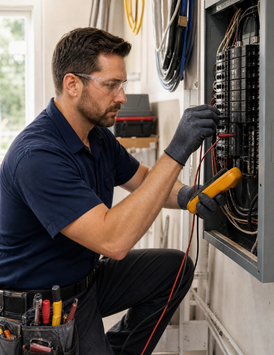
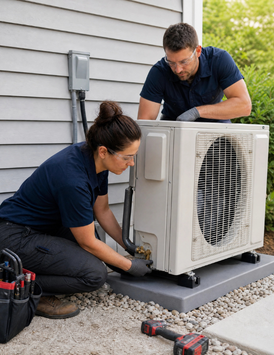
Technicians describe the completed work. PropelOne turns the job details into an invoice while everything is still fresh.
Say “invoice this job.” PropelOne pulls labor, parts, and pricebook items from the work order and confirms the total.
Record a field payment by voice and post it to the invoice.
Ask which invoices are past due and hear the oldest balances first.
Start payment reminders by voice using your saved schedule.
Get alerted when a required signature or photo is missing.
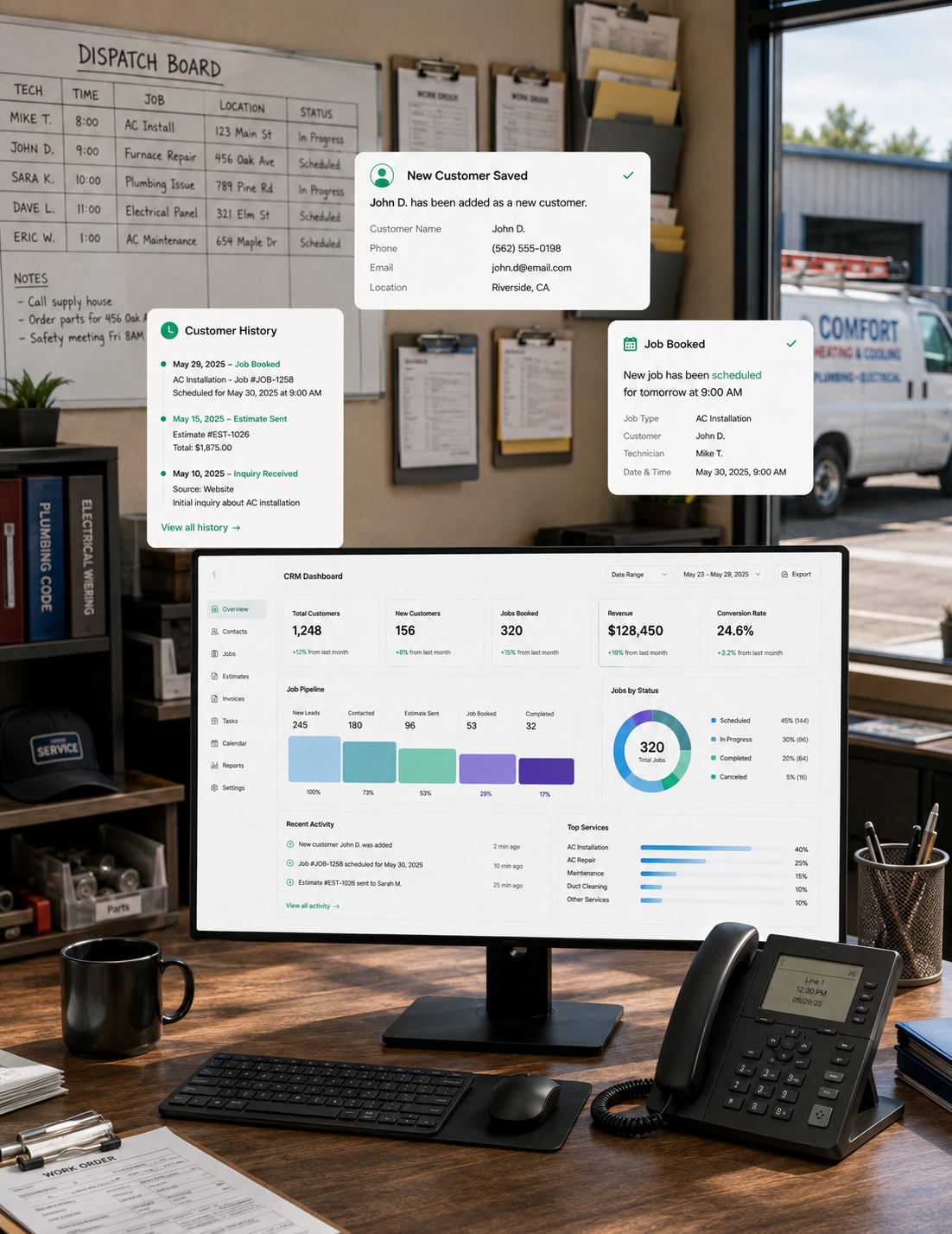
Create, send, track, and collect every invoice in one place.
Turn a work order or approved estimate into a complete invoice without retyping.
Automatically invoice service agreements and maintenance plans.
Turn estimated annual usage into consistent monthly payments.
Collect online, in the office, or at the job site.
PropelOne watches unpaid invoices and sends reminders on your schedule.
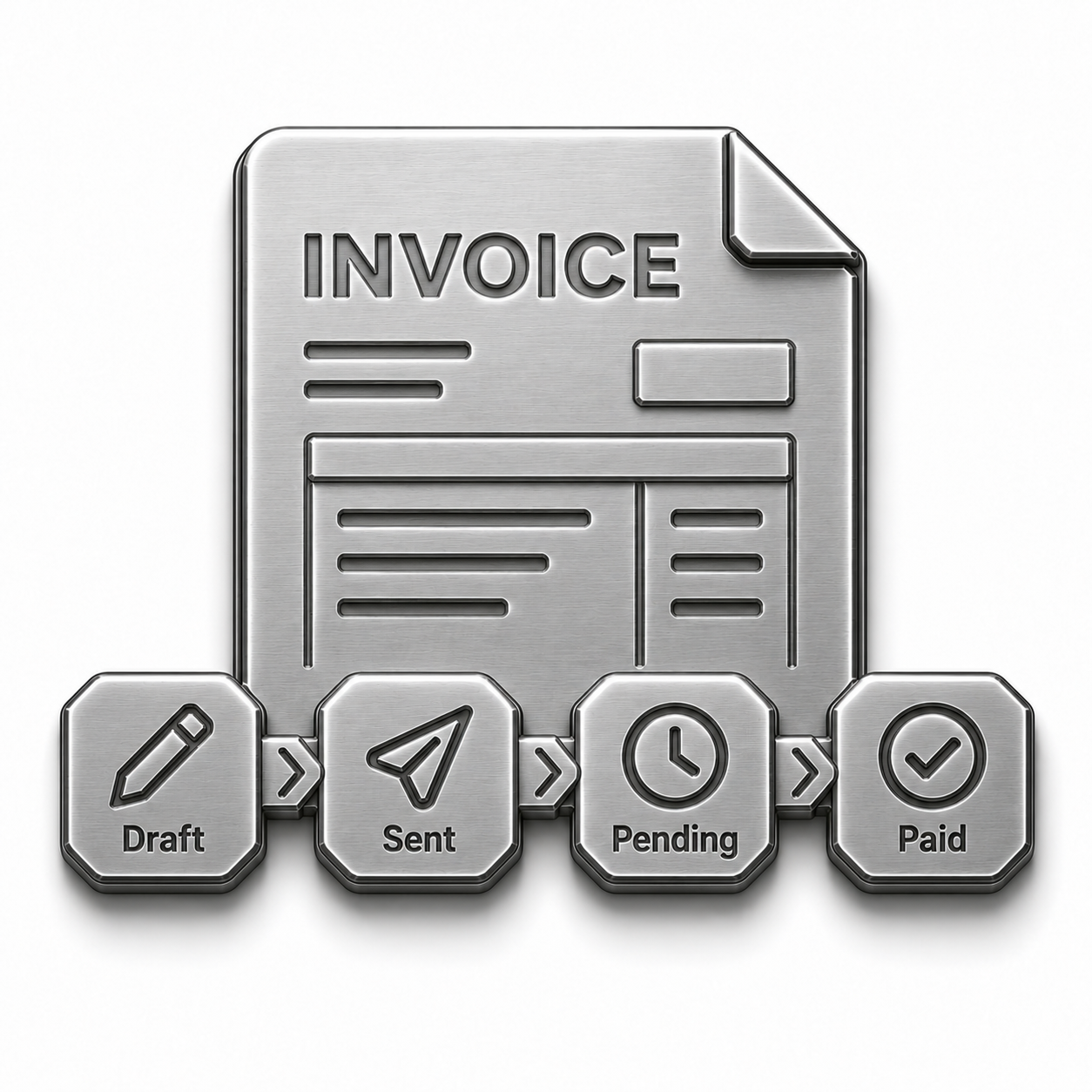
Track every invoice and find where cash is stuck.
Line items come straight from the completed work order or the approved estimate, with labor, parts, and pricebook pricing already attached.
Say invoice this job and Voice AI builds it on the spot, or leave it for the office to review and send later.
By text or email, branded, with a payment link and the signed form attached.
Card, bank transfer, or a payment taken in the field before the truck pulls away.
The follow up schedule you set kicks in automatically once an invoice goes unpaid.
Nobody has to go looking for it on a spreadsheet to confirm it landed.
Synced to your accounting software, matched to the job and the customer it belongs to.
Yes. Reopen, correct, and resend it. PropelOne keeps the original in the history.
PropelOne tracks the balance and adjusts the plan on your schedule.
Yes. Reminders stop automatically when payment posts.
Yes. Exclude customers by account or category.
Cards, bank transfers, digital wallets, checks, and field payments.
Yes. Invoices and payments sync with your accounting platform.