











CRM

Estimate Fast. Win More.

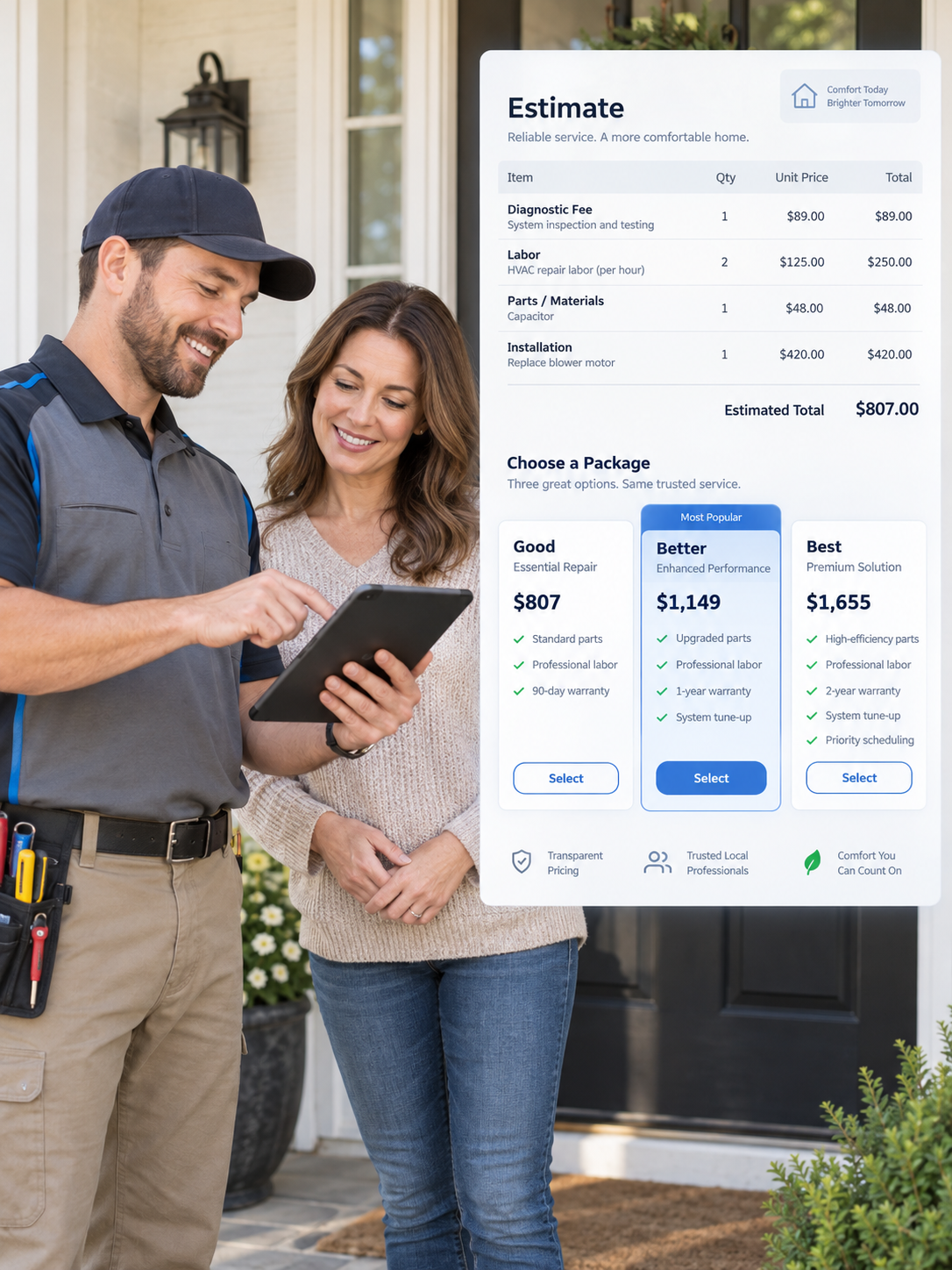
Talk through the findings and attach the supplier quote, the load calculation, the crawlspace photos. PropelOne turns it into a priced estimate with options. Read it, adjust what you want, send it from the truck. Every estimate stays attached to the customer, property, and equipment, so the approval and the booked job come off the same record.

How Voice AI works with estimates

The estimate can start and finish on the phone.

Most estimating tools wait for you to sit down at a keyboard, which is why so many estimates get written at nine at night or never get written at all. PropelOne Voice AI works against the same customer record and the same pricebook, so a conversation can start an estimate, explain one, or close one.

It builds the estimate from what you say.

Describe the work on the drive to the next stop. Voice AI turns the description into line items, quantities, and scope.

It uses your pricing.

Numbers come from your pricebook, so the estimate you dictate and the estimate your office writes land in the same place.

It answers questions about an estimate.

When a customer calls back about the estimate they are holding, Voice AI can read it, explain what is included, and say what happens next.

It takes the approval.

If the customer is ready, Voice AI can record which option they picked and get the job booked.

It writes everything into the record.

The call, the version sent, the option chosen, and anything still open all land on the right customer and property.

PropelOne Voice AI writing estimate details into the customer record
Estimate Features

Everything your team needs to get from site visit to signed work

From the first set of notes through to the job on the schedule.

AI Estimate Builder
AI Estimate Builder
Hand over the mess and get back a structured estimate

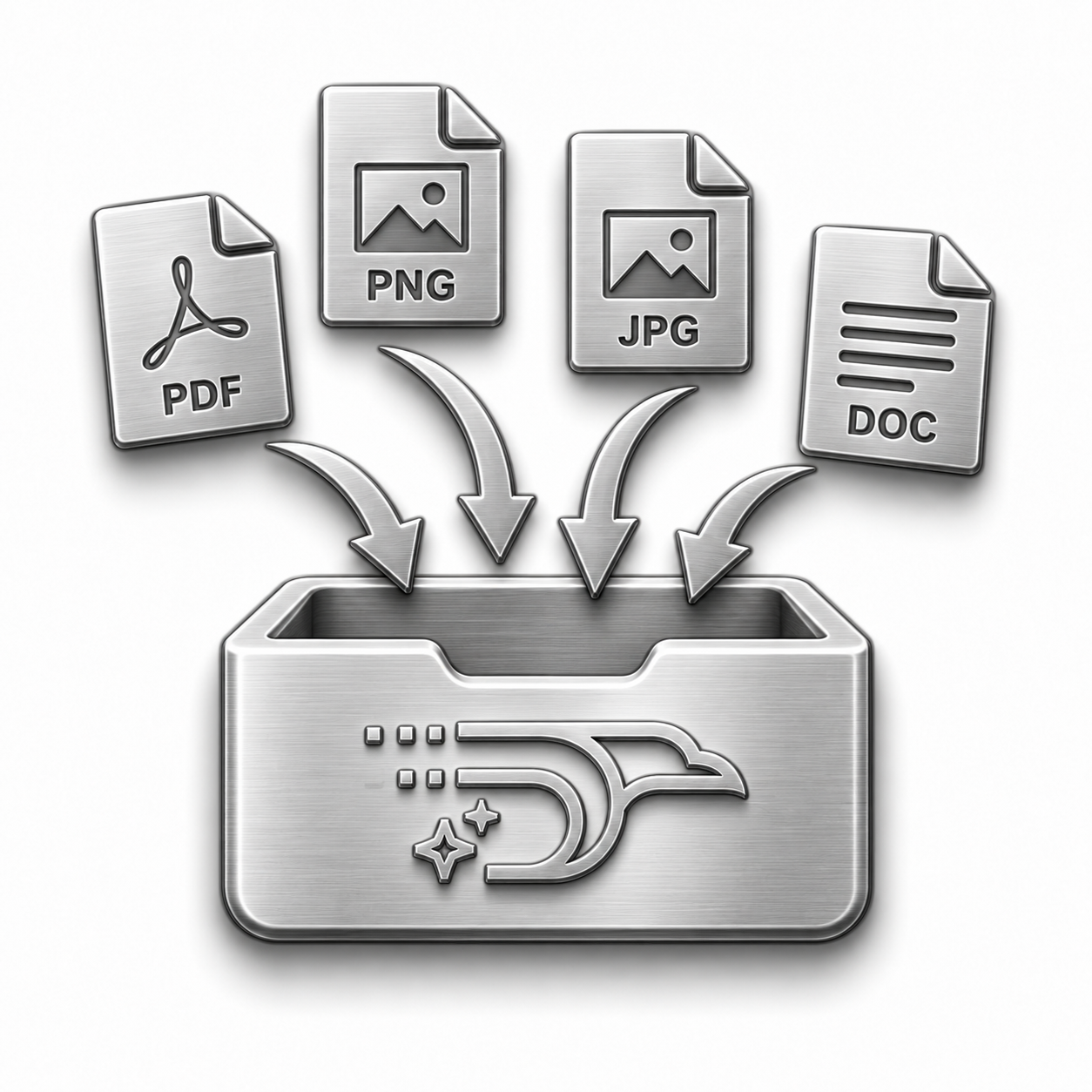
Notes in whatever order they came out, a photo of a rusted flange, a supplier quote as a PDF. PropelOne reads all of it and returns line items, quantities, scope, and prices. Nothing sends until you have looked at it.

Key capabilities
  • Typed or dictated notes from the site visit
  • Attached supplier quotes, load calculations, inspection reports, and specifications
  • Line items and quantities matched to your pricebook
  • A plain language scope summary written for the customer
  • Full editing before anything leaves
Packages and Options
Give the customer something to choose between

One price is a yes or a no. Options turn it into a question about which one. PropelOne builds good, better, and best from the same description of the work, and the customer sees them side by side.

Key capabilities
  • Multiple priced options built from one set of notes
  • Optional add-ons the customer can turn on or off
  • A total that updates while the customer chooses
  • Photos and equipment images on each option
  • Saved templates for the packages you send most
  • Open tasks and next actions
Pricebook and Margins
Your prices on every estimate, whoever wrote it

Labor rates, part costs, flat-rate services, and markups all come from the pricebook you loaded. Two techs quoting the same repair land on the same number.

Key capabilities
  • Pricebook for labor, parts, and flat-rate services
  • Markups and margins applied while the estimate is built
  • Cost and profit visible internally, hidden from the customer
  • Bulk updates when a supplier raises rates
  • Warnings when an estimate falls below the margin you set
Customer Approval
Customer Approval
Approve and sign from a phone

The estimate arrives by text or email in your branding, with the scope written in sentences instead of trade shorthand. The customer approves, signs, and pays a deposit without printing anything.

Key capabilities
  • Sent by text or email, opened on a phone
  • Online approval and signature
  • Deposit collected at the moment of approval
  • Notification when the estimate is opened and when it is approved
  • Change requests returned on the estimate instead of in a voicemail
Follow-Up and Estimate Tracking
Chase the quiet ones without thinking about it

Most of the work you lose is sitting unopened behind a school pickup and a broken dishwasher. PropelOne keeps open estimates in front of someone and sends the reminder you were not going to send.

Key capabilities
  • Automatic reminders on estimates without a reply
  • One list of open estimates sorted by age or by value
  • Reminders that stop as soon as the customer answers
  • Won and lost tracked per estimate and per technician
  • A weekly total of what is still outstanding
Handoff to the Job
Handoff to the Job
An approved estimate is already a job

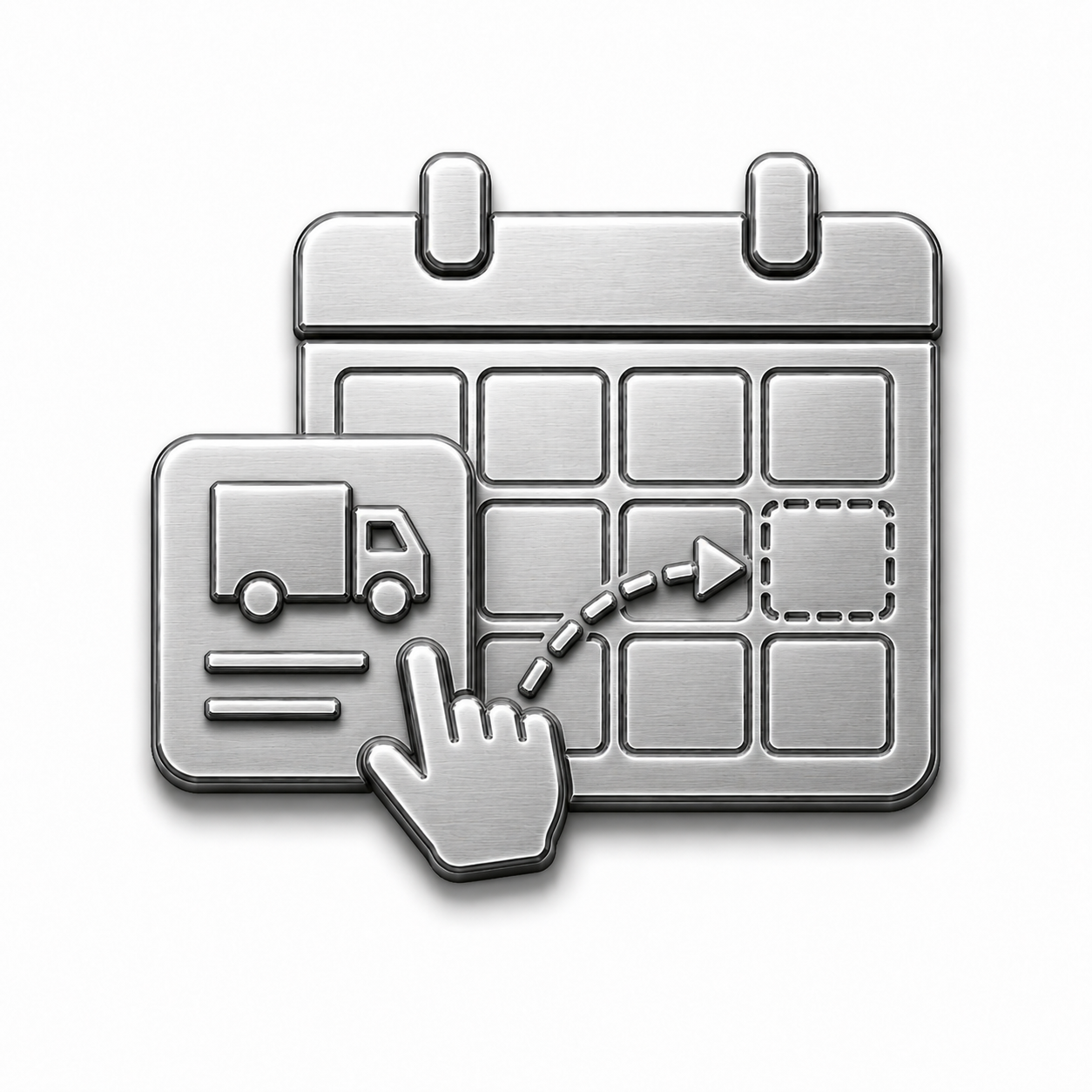
Approval puts the work on the dispatch board with the scope, the parts, and the price attached. The invoice is built from the same line items the customer agreed to.

Key capabilities
  • Approved estimates converted to scheduled jobs
  • Scope, parts, and equipment carried through to the technician
  • Invoices built from the approved line items
  • Change orders priced and approved on site
  • Estimate history kept on the customer and the property
How Voice AI turns a site visit into a sent estimate

From "I will get you a price" to a sent estimate, before the next stop

Here is what happens after a technician finishes looking at the work.

1
The technician describes the job.

Out loud, on the way back to the truck, in whatever order it comes out.

2
The documents get attached.

Photos from the site, the supplier quote, the inspection report, the load calculation.

3
The estimate gets built.

Voice AI matches the work to your pricebook and lays out the line items, the scope, and the options.

4
The technician reviews it.

Prices, quantities, and wording are all editable before anything is sent.

5
The customer gets it.

By text or email, opened on a phone, in your branding.

6
The customer answers.

They approve an option and sign, they ask a question, or they go quiet and the follow-up starts on its own.

7
The job gets booked.

The approved scope lands on the dispatch board with the parts attached, and the invoice waits on the same line items.

The customer gets a price the same day, and nobody retypes the job to make it happen.

Questions We Hear a Lot

You Ask. We Answer.

1. How does the AI know what to put on the estimate?

It reads your notes and anything you attach, then prices the work from your pricebook. If a line is wrong, edit it. Nothing leaves until you send it.

2. What can I attach?

Supplier quotes, load calculations, inspection reports, manufacturer specifications, and site photos. The details come off the document and onto the estimate.

3. Can I dictate instead of typing?

Yes. Describe the job on the way to the truck and read the draft when you get in.

4. Do I have to send options?

No. Send one price, or two, or three. Options are there for the jobs worth presenting choices on.

5. Where do the prices come from?

Your pricebook. Labor rates, part costs, flat-rate services, and markups are all yours, so the AI is assembling the estimate rather than guessing at the numbers.

6. Can customers approve online?

Yes. They approve and sign from their phone, and you are notified the moment they do.

Estimate. Send. Done.

Quote On the Spot

Every site visit ends with a price in the customer's hand and a next step that somebody owns.